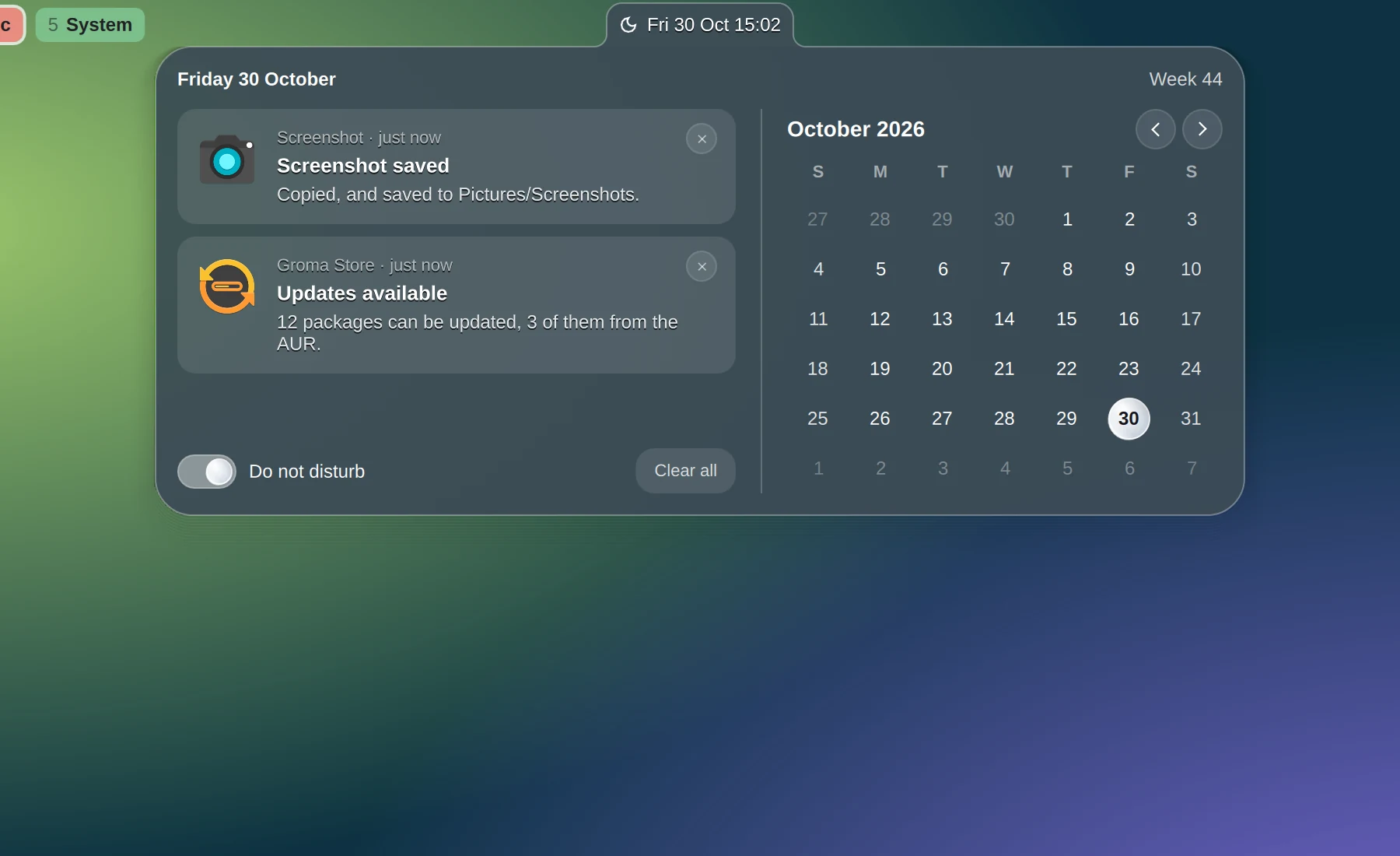
Calendar and notifications
The clock opens a month and every notification not yet dealt with. A toast going away does not end a notification: it waits here. Do Not Disturb keeps all but critical ones quiet.
Groma is a desktop shell for Hyprland, written in QML on Quickshell. One process draws the bar, the launcher, notifications, the lock screen, files, a software store and settings, and an installer puts all of it on a bare Arch machine.
The bar
Each card grows out of the icon that opened it, like a tab, in one dense slate glass. One process holds them all, so the bar's speaker and the Sound card read the same PipeWire object and can never disagree.
The clock opens a month and every notification not yet dealt with. A toast going away does not end a notification: it waits here. Do Not Disturb keeps all but critical ones quiet.
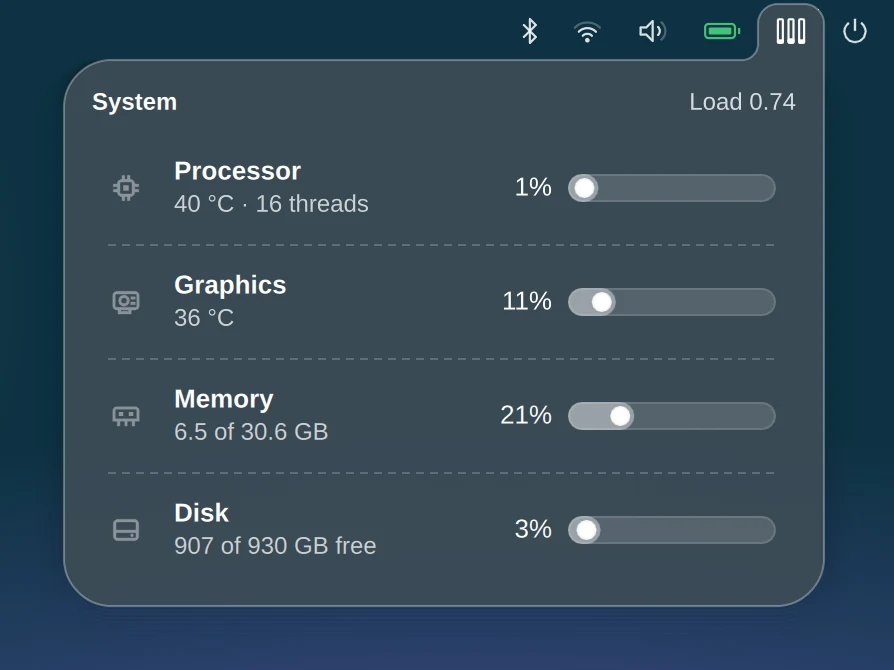
Processor, graphics, memory and disk. A row opens btop or nvtop for more.
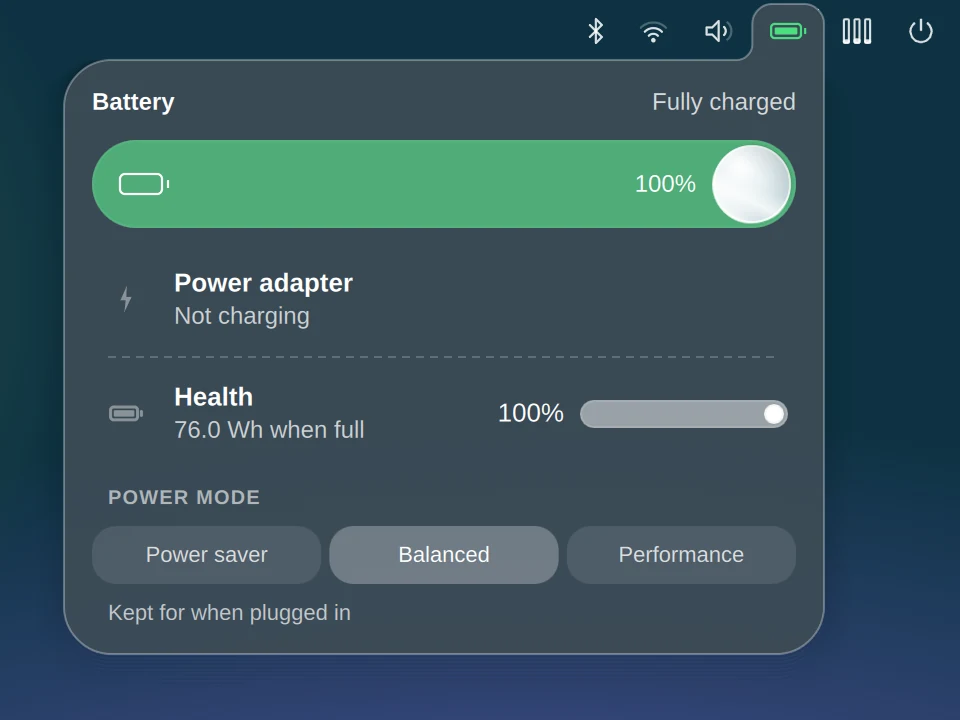
Charge, the adapter, the battery's health, and a power mode kept for plugged in and for battery.
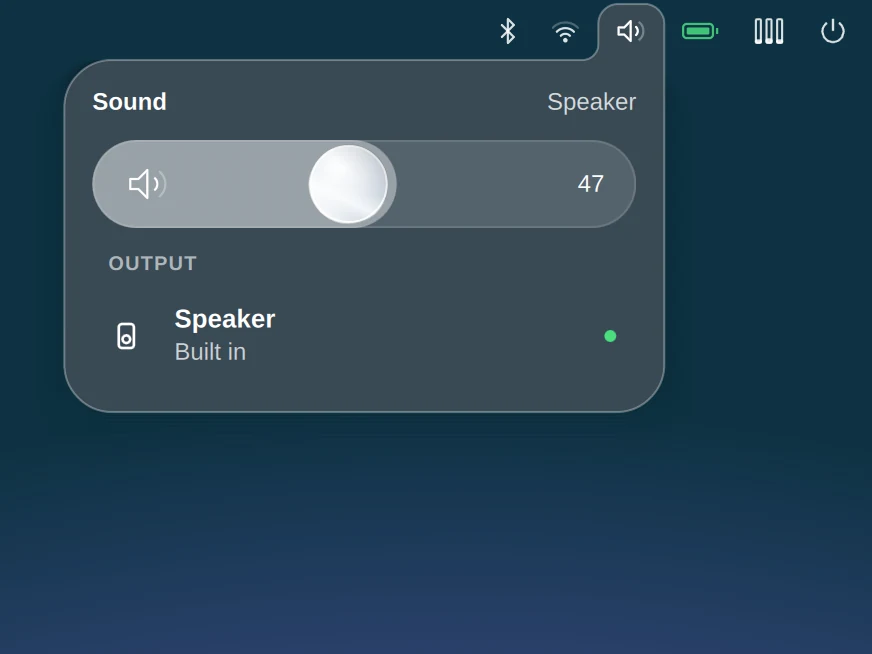
Volume on a glass slider, and every output, with a dot on the one in use.
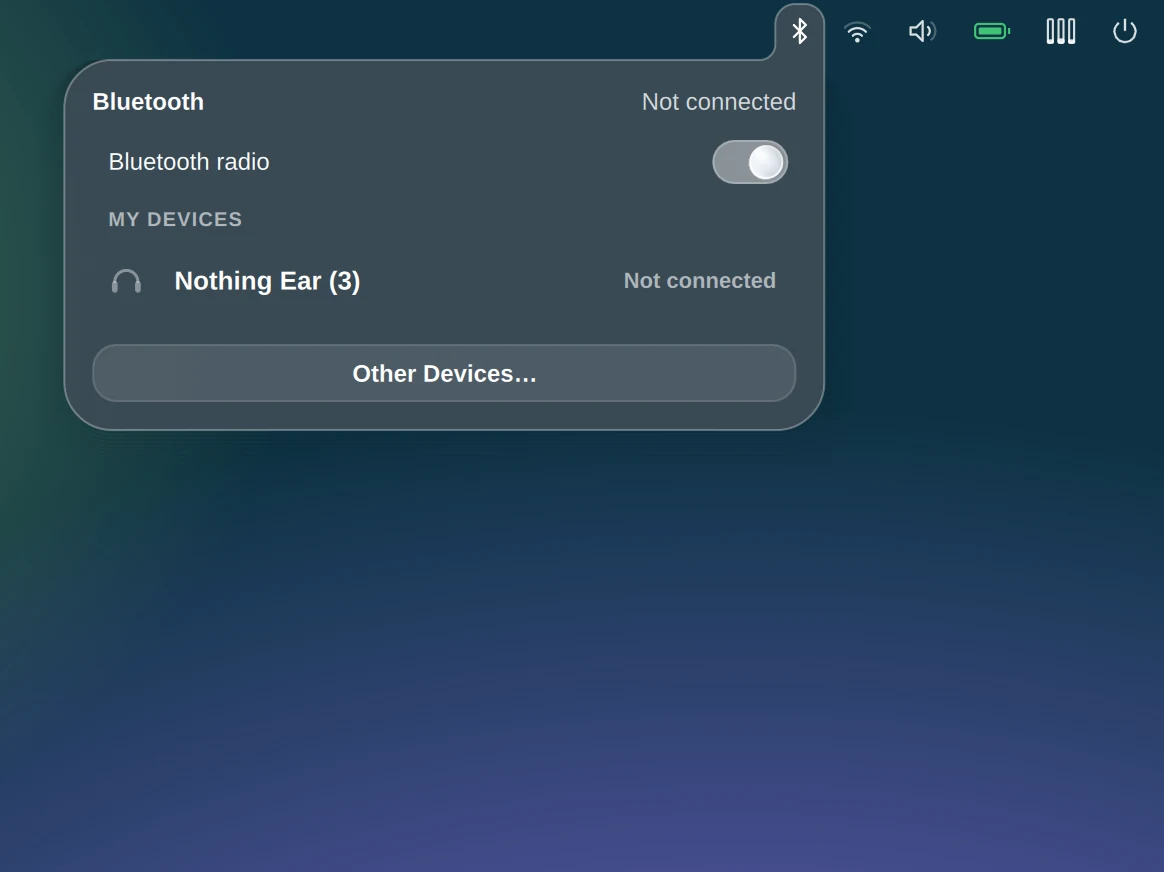
The radio, your devices and their batteries, earbuds down to each bud.
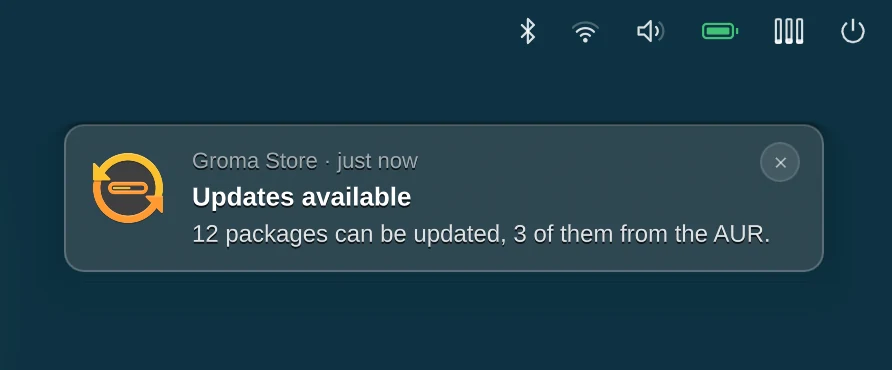
A toast waits while you point at it, opens its app on a click and goes on a right-click. Gone from the corner, it stays in the centre under the clock until you deal with it.
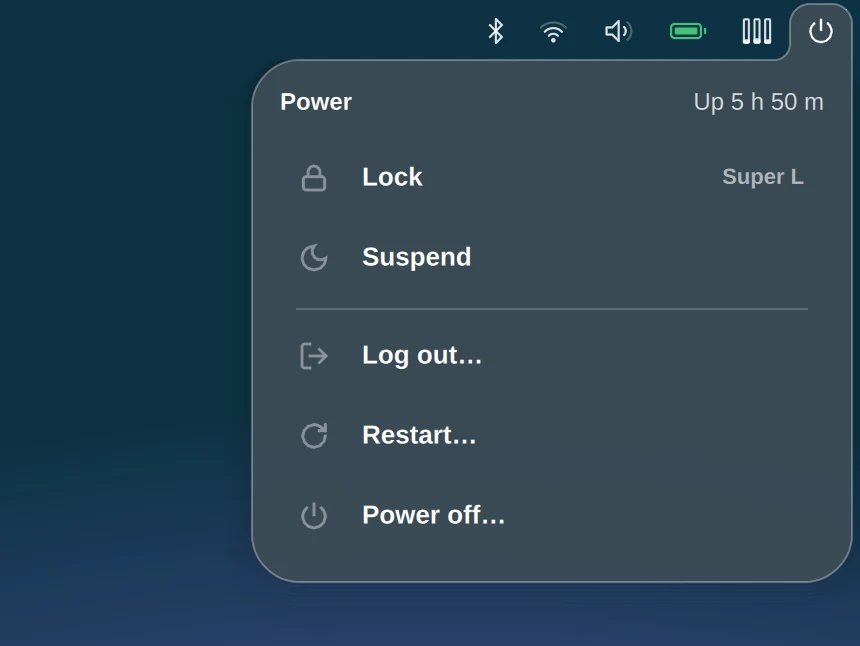
Lock, suspend, log out, restart, power off. Nothing more.
Workspaces
A workspace can be "Design" or "Music" rather than 6, with a colour, as with a browser's tab groups. The names are Groma's: Hyprland still sees numbers.
The launcher
One field for everything you reach for, opened with Super + R.
2^16 / 3 and Enter copies the answer.Groma's own apps
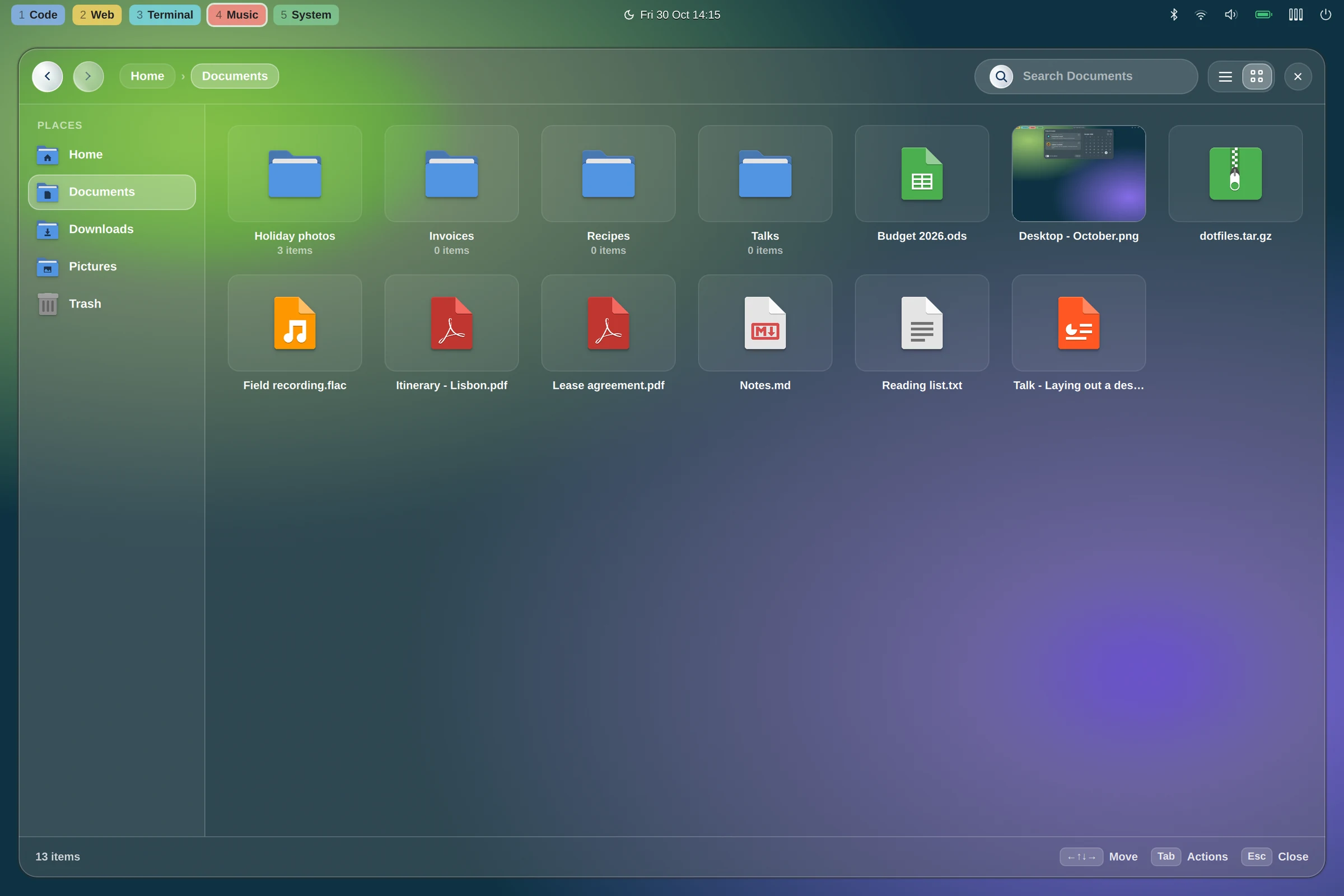
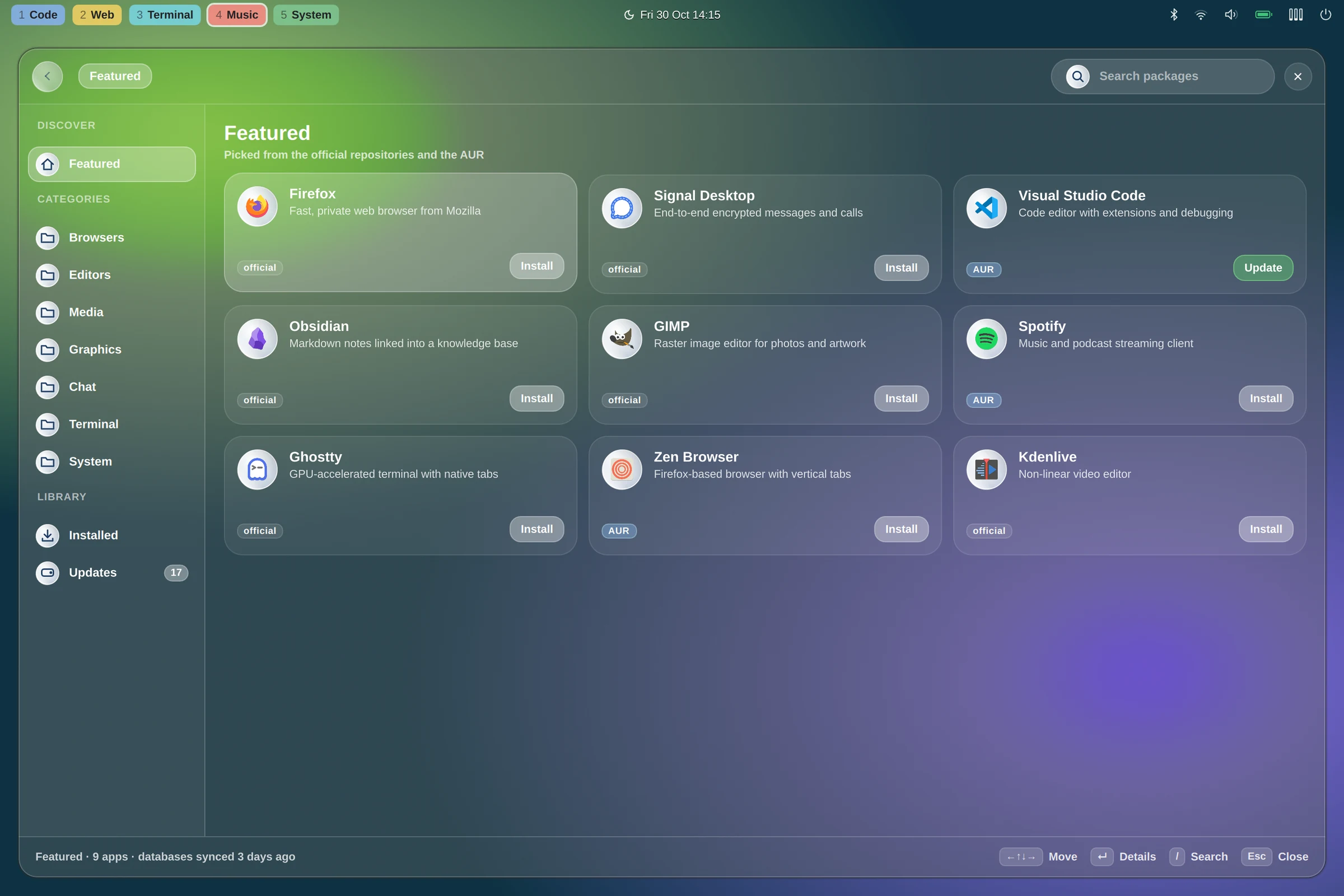
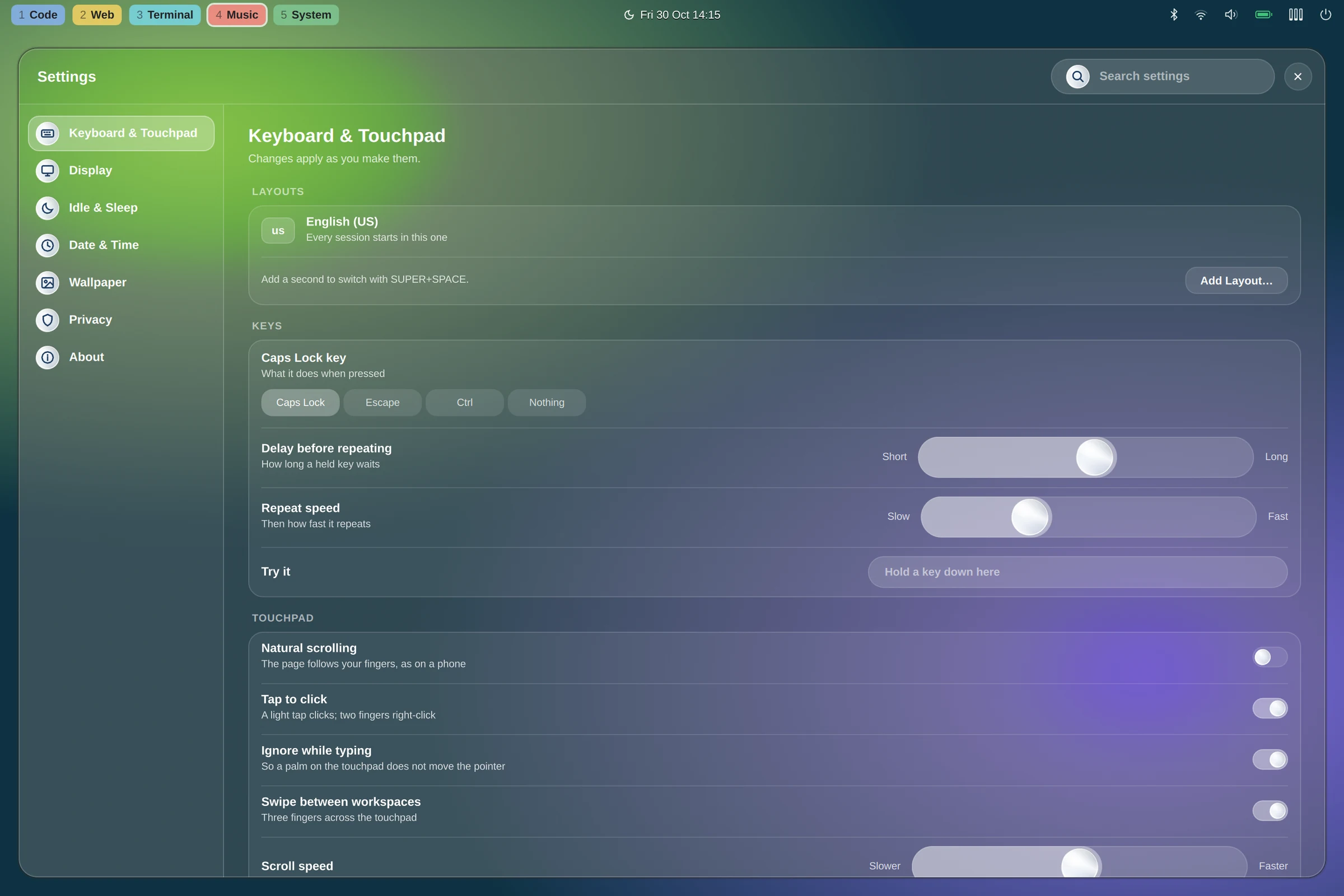
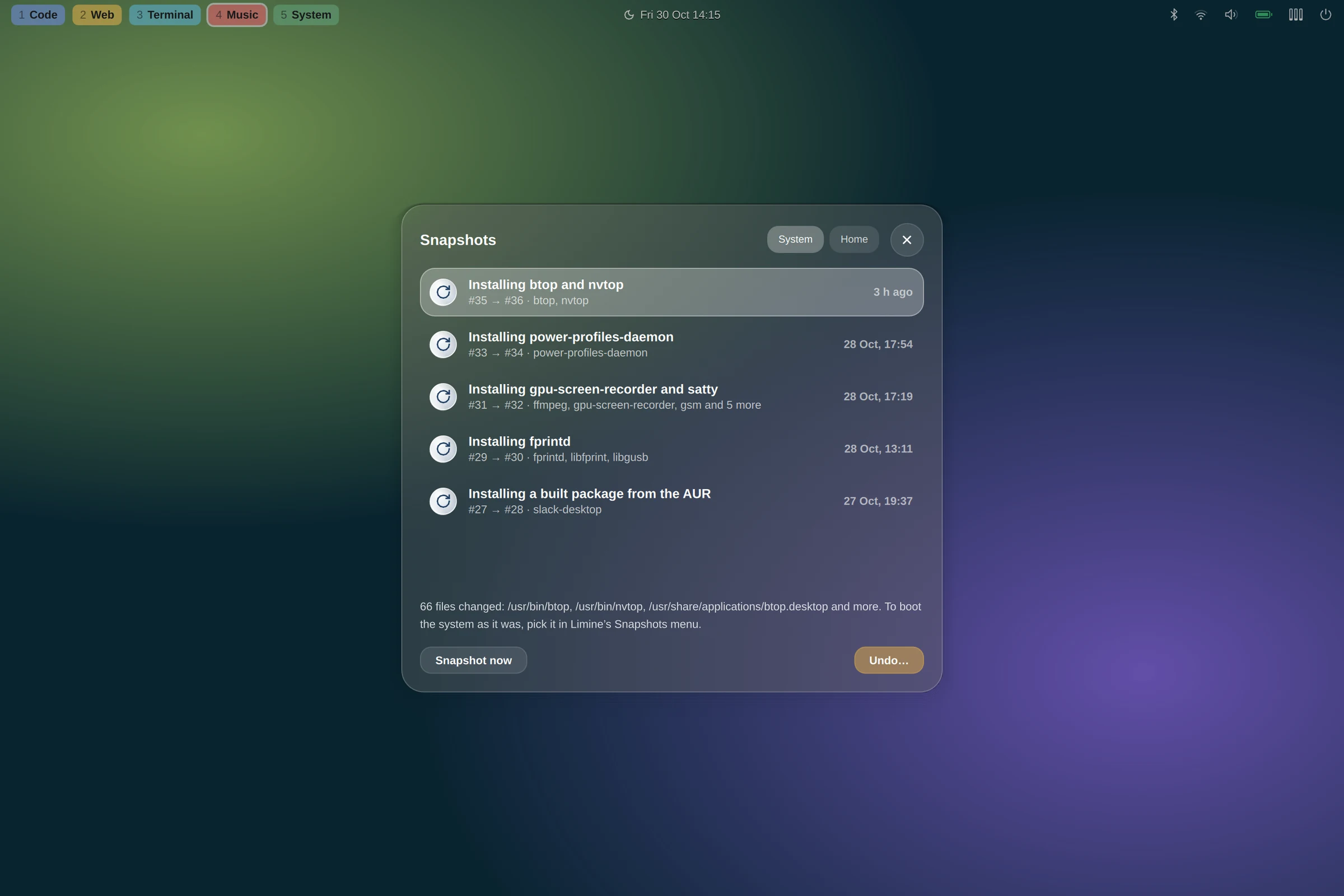
A file manager, a store for the official repositories and the AUR, a settings window and your snapshots, drawn by the same process and to the same rules as the bar.
Locking
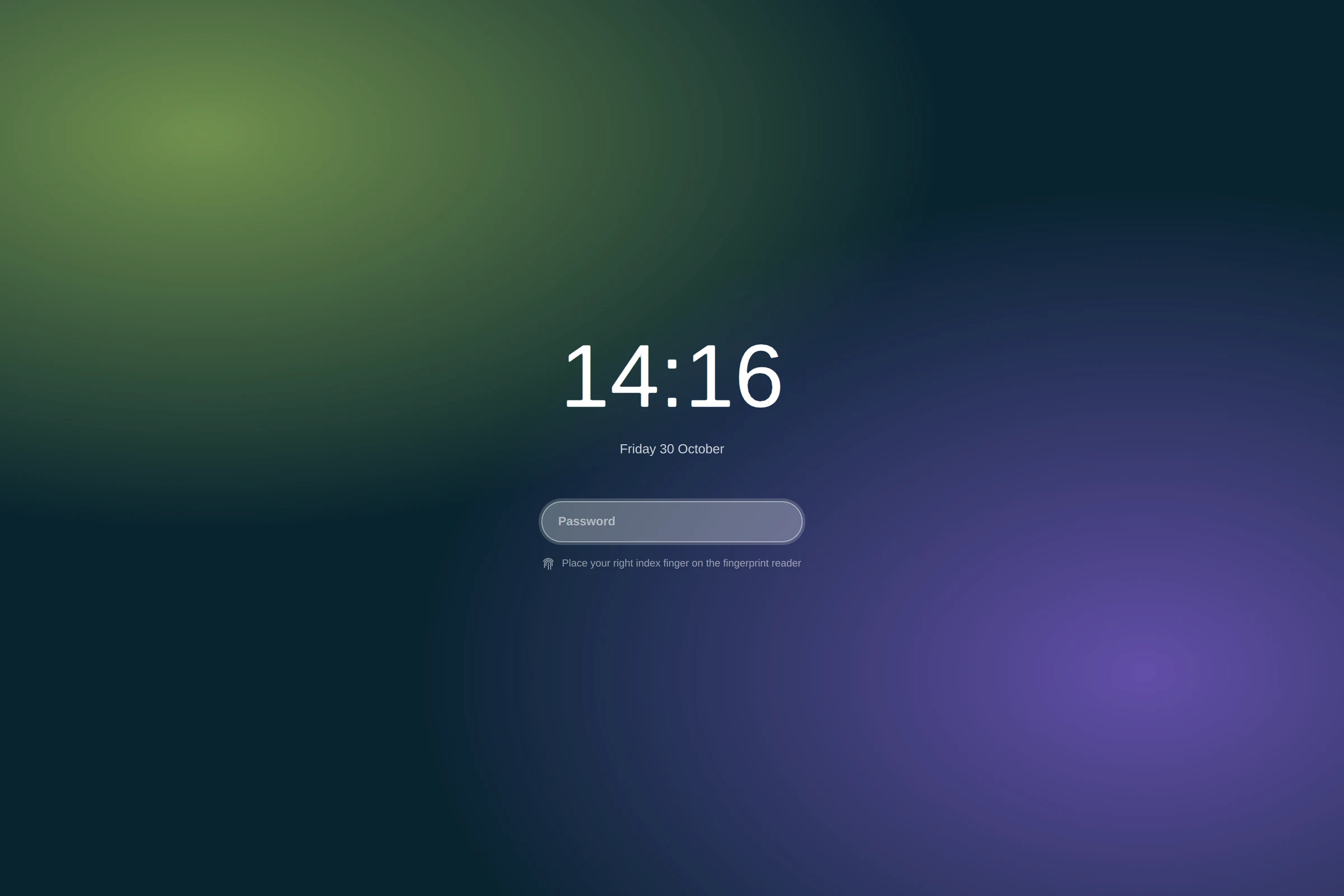
The lock screen speaks ext-session-lock: if the shell ever dies while locked, the session stays closed rather than showing the desktop.
Screenshots
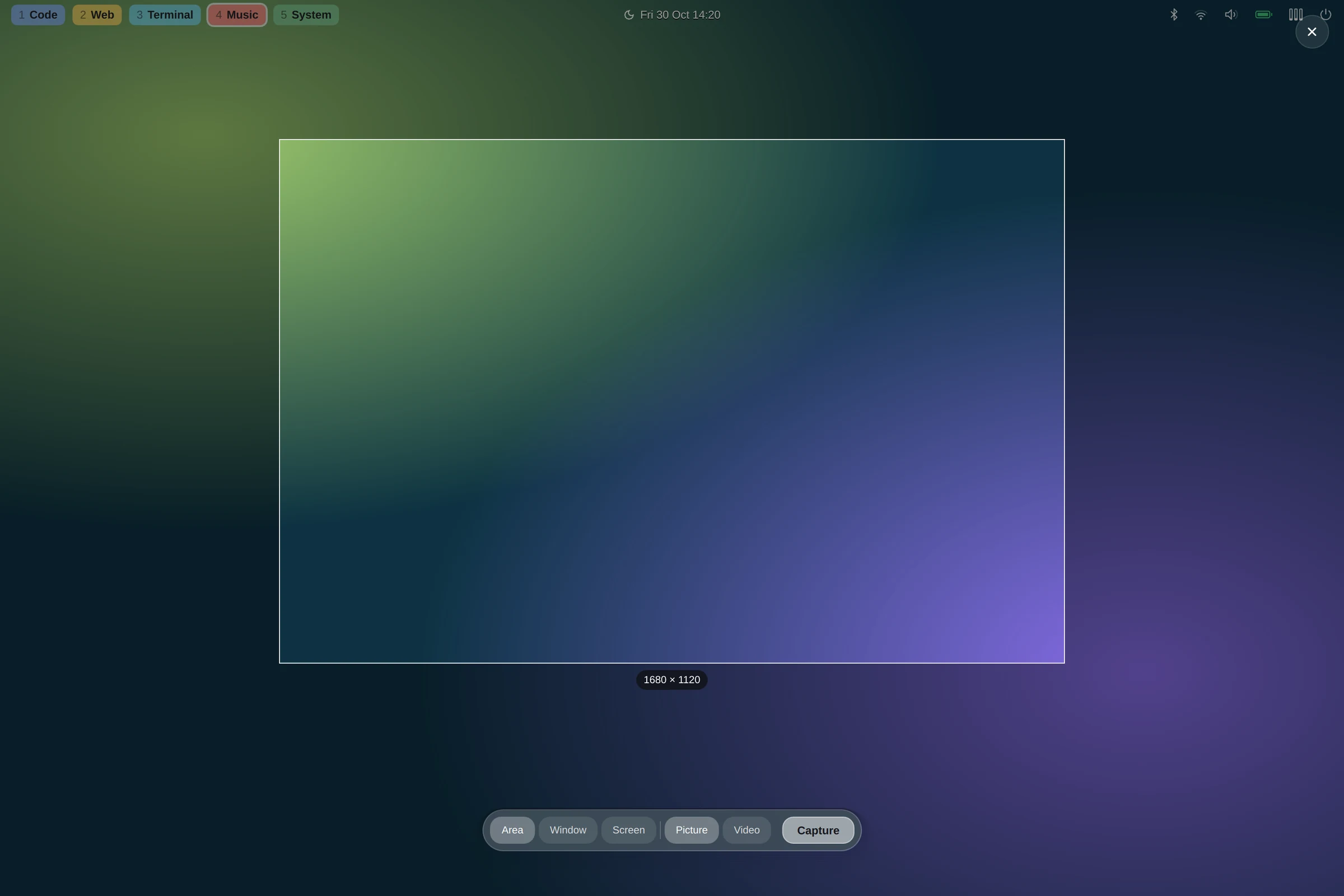
Every screen is frozen first, and the chooser lies over the frozen frame, so a menu closing does not change what you keep.
Install
The installer detects the processor and graphics, sets up snapshots where the disk allows, starts Hyprland when you log in on the first console, and is safe to run again.
Logged in as a user in the wheel group:
$ git clone https://github.com/sfrancavilla/groma.git ~/groma
$ ~/groma/install.sh
Then log out and back in on the first console. The desktop starts.
Booting a snapshot from Limine's menu is a separate step, since it changes the boot loader: system/setup-limine-snapshots.sh stops before rebooting so you can read what it did first.
archinstall. Everything else, Hyprland and Quickshell included, comes from the installer./ on @, as archinstall lays it out. Without Btrfs, all but snapshots installs.The name
A groma is the Roman surveyor's instrument: a cross on a staff with a plumb line hanging from each arm. Sight along it and you get the cardo and the decumanus, the two axes a camp or a new city was laid out from, and every camp in the empire was laid out the same way with one.
That is the aim here: a desktop you can reproduce exactly, on any machine, from one repository.